

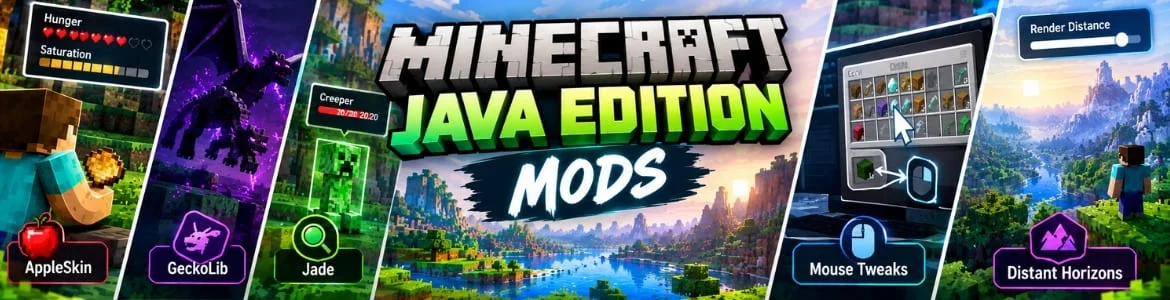
Minecraft gives players endless fun by offering a huge world to roam in with different characters. However, many gamers wish to take their gameplay to a whole new level and due to this used mods that helps change the entire engine behaviour. With Minecraft Java mods players can not only bring new challenges but also change the heights, frame rates and much more. Lots of mods available to use in which some are given in this blog. However, always check the requirements before downloading any mod and rely only on a trusted source. Following are some mods used often by players.
AppleSkin
It allow players to understand the character hunger stats more accurately. Instead of just showing a normal bar you can see the actual saturation score a food can restore. Along with this, gamers also get a visual indication after holding a some items to feed the character. This helps in knowing the potential saturation and hunger they can gain. Many additional relevant details are added to see on the HUD which plays a helpful role in managing the in game food easily.
GeckoLib
This is a rendering and animation library built for Minecraft which acts as a foundation for numerous other mods. In simple words, it is a place where players can insert some certain mods to add amazing 3D animation within the gameplay. While it cannot add any block, item or other element itself gamers can use it to support other mods for different entities, and objects. The key features includes quick removal, multiple key frame options and stacking. If you don not like the standard game animations and want to make them look appealing and crystal clear then this mod is a good choice to go with.
Jade
In the normal gameplay when players interact with a custom block they can only try to assume about its name. On the other hand, fighting with mobs or enemies usually does not show their remaining lives which makes it hard for the gamers to survive especially when have low health bar. To simplify this, Jade a versatile Minecraft Java mod is available that give gamers details about every single item in the game they are looking at. For example players can know about the inside items of chests, mystery boxes without opening them. The monsters health can also be viewed by just staring at it which helps take it down easily. Apart from this, growth times for the crops and machine progress can also be checked with the help of this.
Mouse Tweaks
Players of Minecraft Java can manage the inventory and organize different items with ease through mouse by using it. The primary function of this mod is to change the mouse dragging behaviour which enable gamers to use the left click. This way, completing repeated inventory related tasks becomes much easier. Players can seamlessly move various items without having to handling every single one individually. Just click on an in game item and drag it across others and it will be moved into the required destination.
Distant Horizons
If you are regular Minecraft player then you must aware of the render distance problem. This mod resolve it by making players able to see across thousands of blocks of open air. Suppose, you are climbing an mountain and try to see other things from distance. It will help you to see miles away by extending your line of sight. This creates a really broad view of the map allowing players to easily view other items from a huge distance without any difficulty and affecting the performance.
Steps To Download and Add Mods in Minecraft Java
These are the easiest ways to get and add a mod.
- Visit the curse forge website using an browser and download their desktop app.
- Then, install it like other apps in your Windows PC and choose the Minecraft game.
- After doing this set up your profile inside it to make a mod pack.
- Inside your created profile look for the button marked as add more content.
- Discover the required Minecraft mod and install it.
- Final step includes tapping on the play button and enjoy.
Conclusion
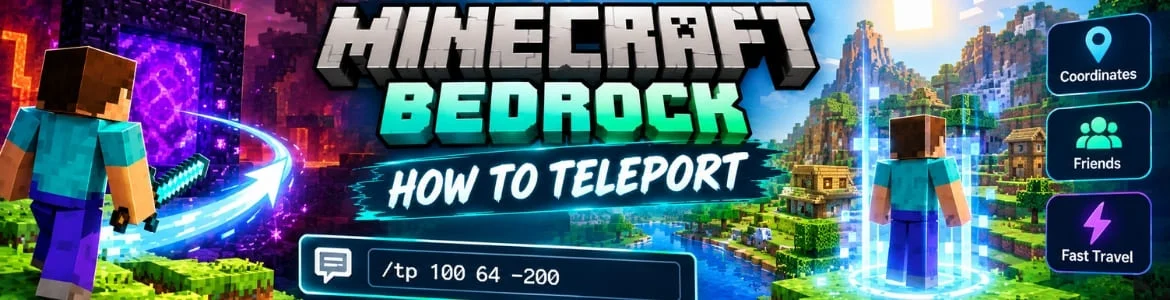
Minecraft is available in different versions called Bedrock, and Java. Here you will get some exciting mods to install the Java edition which helps you enhance the whole gameplay. Pleas note both versions are entirely different and relies on distinct mechanisms. A detailed guide on how to teleport in Minecraft Bedrock is also available for players help them take the character to other worlds easily.
FAQs
Can Minecraft Java players use the same mods in Bedrock?
No, using the mods built for Java edition in Bedrock is not possible due to difference in the programming languages.
Is downloading Minecraft mods cost players any paid subscription?
Yes, there are lots of platforms available in which players can get their desired mod for Minecraft for free. However, never rely on a source which has no secure connection.