

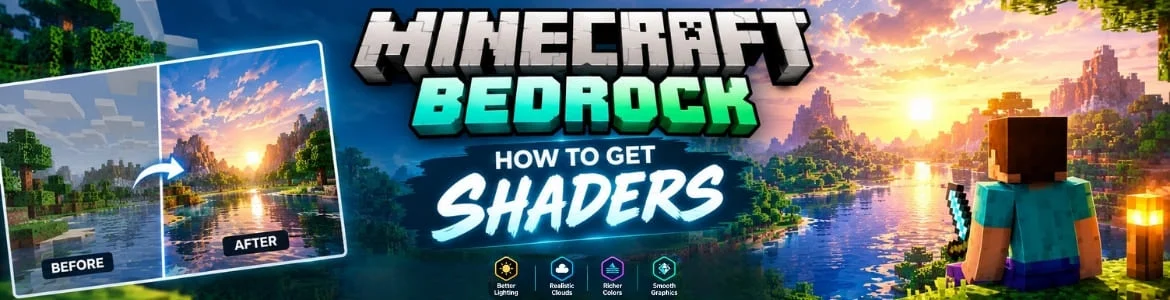
Minecraft is built using retro style graphics which means everything from maps to buildings and other in game items has pixelated look. Sometimes, seeing things such as sky and water becomes hard especially on low end devices. For this reason shaders are developed that changes the whole game look by enhancing the colors, lighting and other graphic effects.
Plenty of Minecraft Bedrock players use shaders to make clouds, sunlight and other atmospheric effects more realistic. However, the performance can be vary for every device. Here you will learn about the entire method to obtain shaders and other helpful guidance so keep reading. Apart from this a comprehensive guide about Minecraft Bedrock addons also help gamers to customize the gameplay with new features.
Helpful Steps To Obtain Minecraft Bedrock Shaders
There are two different methods to get and use shaders in the game that we explain below for players ease. You can go with any of the desired option as per your preference.
Minecraft Built-in Shaders
- Open Minecraft Bedrock game in your device.
- From the main menu go into the game settings.
- Look for the graphics mode option and tap it.
- It will show a few options in which you have to tap on vibrant visuals.
- Then scroll down and turn on the following options fancy leaves, clouds and smooth lightning.
- Doing so will improve the game visuals and you will get better shadows and effects while playing.
Custom Shaders
If you are interested to download and use random shaders for the game then following steps will be helpful.
Download Minecraft Bedrock Shaders Pack
- Open any web browser that you like such as Chrome.
- Then visit a legitimate platform like MCPEDL.
- Once the site is loaded discover your desired shaders.
- Ensure it is supportive with the Bedrock edition.
- After doing this look for the button which is labeled as download to get the .mcpack file of that shader.
Import Shaders into Game
- PC players need to click on the downloaded file twice.
- Doing so will open the Minecraft game and start the import process.
- It will take a while and when completed a pop up containing successfully imported message will appear.
- Android players have to open the .mcpack file with Minecraft by tapping it.
- In case the file does not run then you have to download MB loader to start the import process.
Activate Shader in the Game
- Run the Minecraft Bedrock and open its settings again.
- Locate this global resources option and press it.
- Next step is to tap on the my packs which will show your downloaded shader.
- Tap on it without wasting any time and then hit the activate button.
Enable World Settings
Sometimes gamers have to enable the world settings for using new shaders. For this you have to create a new world and edit the old one by clicking on the pencil icon. This will take you to a menu in which you have to find the experiments tab and tap it which will again show a few options. Go with the render dragon for creators and toggle it and load the world. Ensure the graphics mode is set to deferred or vibrant.
Conclusion
Minecraft Bedrock shaders are the best way to maximize the game visuals. It helps improving the overall game environment by enhancing the every block, tree and illumination. Using them you can fully improve the texture depth which makes easier to see items while exploring and playing. However, never use an unknown platform for downloading custom shaders pack to stay away from malware and other issues.
FAQs
Do shaders help in making volumetric light better in the game?
Yes, using the shaders in Minecraft Bedrock absolutely enhance the volumetric light.
Can players download Minecraft Bedrock shaders using Windows?
Yes, shaders can be downloaded and used to make the game graphics and textures better on Windows.